Add and Remove Files from an Experiment
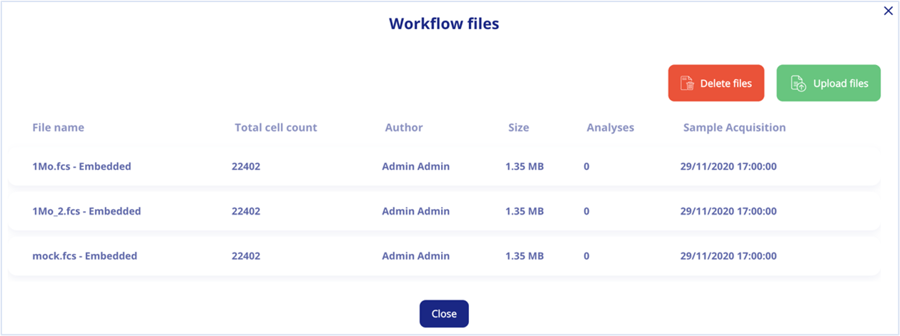
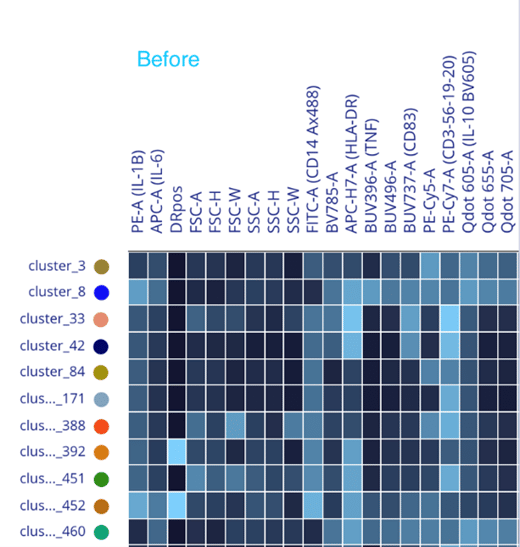
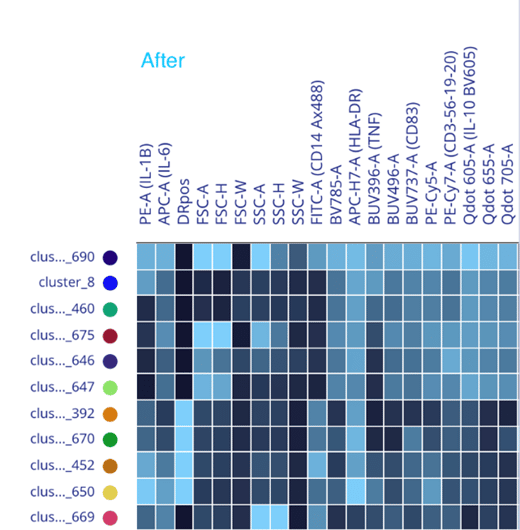
A delete button has been added to easily remove files from an experiment derived from a pipeline workflow. This is a key feature, as it allows you to clean up your analyses in case some files should be removed, without affecting the rest of the analysis.
Conversely, it allows you to add new files to analyses that have already been run, without the need to start from scratch – simply add files, and METAflow will automatically process these files through a given workflow; just review results in one job. Done! In case of any inconsistency between files, mismatched parameter names for instance, a warning will pop-up.
You will have the capability to add/remove files to workflows in the next release.